01Why AI sounds like AIWhy does AI sound… artificial?
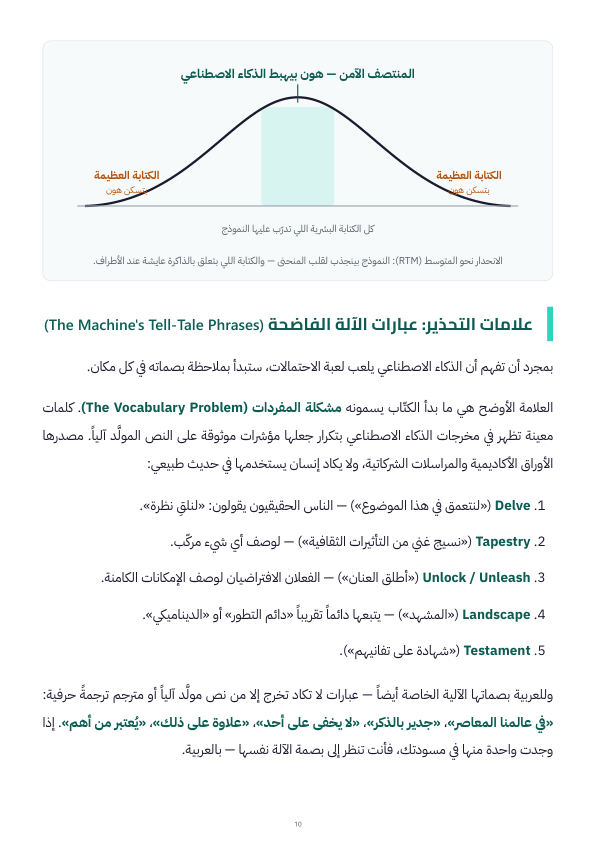
The “average of everything” problem: how language models actually work, and why they always land in the safe middle.
- Warning signs: the telltale machine phrases and how to spot them in a second
- The blind spot you cannot see in your own writing
- The way out of “competent and forgettable” text
02Setting AI up to succeedSetting AI up to succeed
The most expensive prompting mistake is the “long drift”: a thousand words on the wrong interpretation. Here you learn to stop it before it happens.
- Front-loading: role / audience / goal / constraints
- Prompting by example, and your own library of writing samples
- The alignment check: have the model summarize its plan before it writes
03Putting humanity back inPutting the humanity back into the text
Specific editing moves that take 10–20 minutes per piece and turn a “flat line” into a heartbeat.
- Fixing the robotic rhythm (burstiness): Short. Long and breathing. Pause.
- Adding words that stick in memory — the five-senses check
- Planting the flag: the opinion move, and how to break the constant hedging
04Your personal AI style systemYour personal AI style system
Your voice on paper: how to build your style guide once, and make it run automatically in every chat.
- Analyzing your voice from drafts you edited yourself
- Building your digital style guide step by step
- Making it automatic with custom instructions / a system prompt
05The smarter creative workflowThe smarter creative workflow
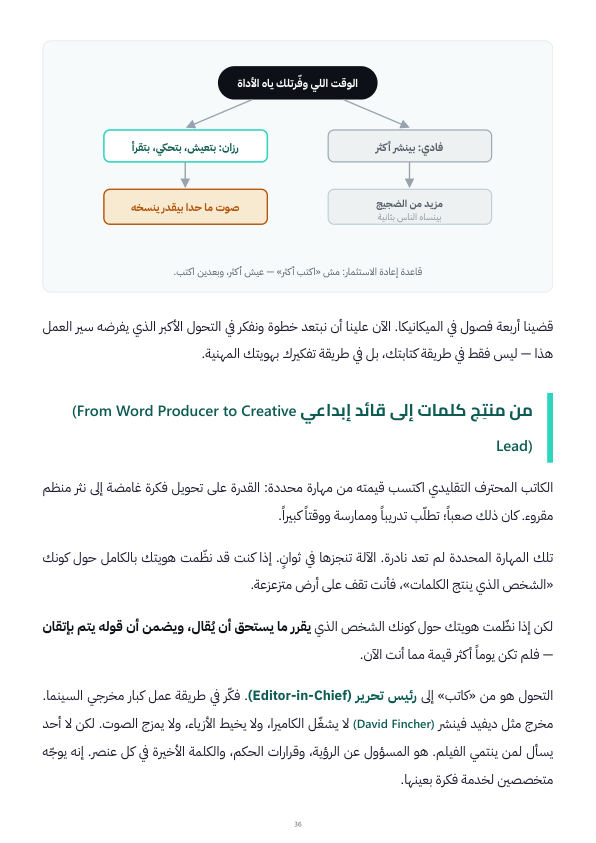
From word producer to creative director: the story of “Fadi and Razan” 18 months later, and the one thing the machine cannot copy.
- Curatorial intelligence: choosing what deserves to be said
- The reinvestment rule: not “write more” — live more, then write
- Authenticity as the first driver of audience loyalty
06GlossaryGlossary
Every term in the book — Arabic / English / a one-line explanation — from LLM and Front-Loading to Curatorial Intelligence.
- A quick reference to come back to while you apply the book
- Terms kept in English so you can work with any tool
+Bonus chapter · Applied to ClaudeHow to apply all of this in Claude
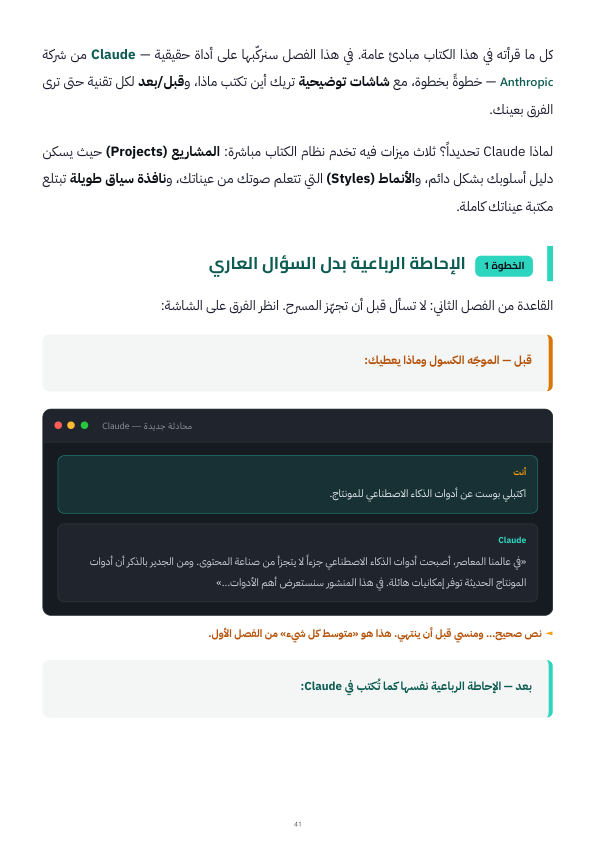
Every principle lands on a real tool: Claude Projects, knowledge files as your sample library, custom instructions as your permanent style guide, and the Chapter 3 moves as ready-made commands you send after every draft. A complete system that saves you hours every week — and teaches you where to spend them.